
Is Mostbet APK Safe or Not?

The short answer is that the APK can be safe, but only if you treat the download source seriously. The real risk is usually not the app category. It is fake APK files, wrapper installs, or phishing pages pretending to be the official download.
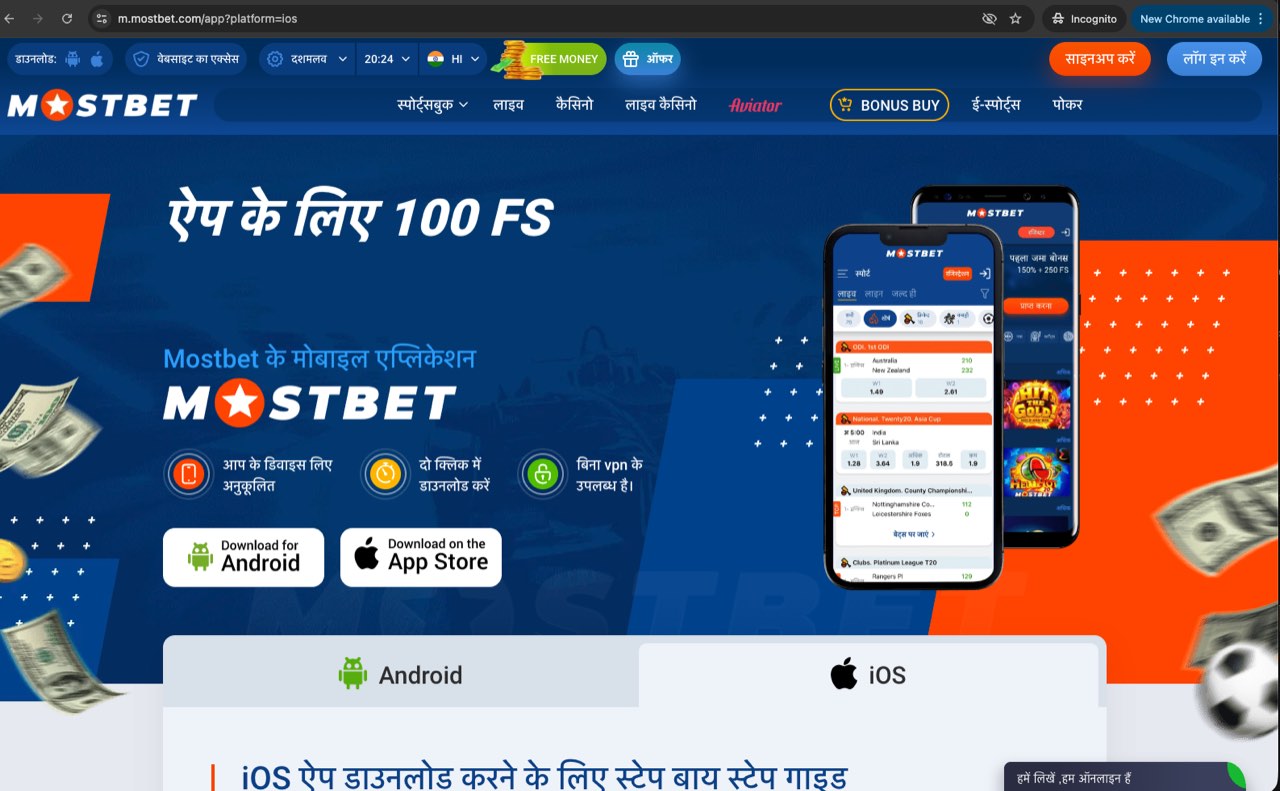
What a Safer APK Download Looks Like
- Reasonable file size: in the expected range, not suspiciously tiny.
- Normal page flow: install instructions, not just a giant download button.
- No extra installers: you should get an APK, not a chain of popups.
- No fake urgency: avoid pages pushing “instant bonus app” or similar bait.
Common Red Flags
- File under a few MB: often a fake loader or phishing wrapper.
- Requests for unrelated permissions after install.
- Download page packed with “official secure bonus” language.
- Different branding, wrong logo, or broken footer links.
How To Check Before Installing
- Confirm you are using the same source you trust for the install guide.
- Check the expected file size and filename pattern.
- Do not install if the browser download path suddenly changes to a different domain.
- If the app is already installed but behaves strangely, use the app troubleshooting guide instead of reinstalling blindly.
APK Safety Checklist
| Signal | Looks safer | Looks risky |
|---|---|---|
| Download source | Same domain you already trust | Random mirror with no context |
| Download page | Clear install steps and version info | Popup-heavy page with urgency bait |
| File size | Roughly consistent with a full app package | Suspiciously tiny loader file |
| Branding | Consistent logo, footer, and navigation | Wrong logo, broken links, mixed branding |
| Permissions | Network, notifications, and narrow storage | Contacts, microphone, or vague background access |
When To Stop Immediately
- The download path changes to a domain you did not intend to trust.
- The installer asks for unrelated permissions before the app even opens.
- The page pushes bonus language harder than install instructions.
- The file is too small to look like a real standalone APK.
What To Do If You Are Unsure
Stop the install, close the tab, and compare the page with the Android guide and the permission checklist. If the APK is already installed and the problem is a crash, login loop, or blank screen, use the app troubleshooting page instead of reinstalling again and again.
For users deciding whether to install at all, the app vs browser guide is a good fallback decision page. It helps you avoid risky installs when the browser route would be enough.
If you want the full install process with Android-brand specifics, go back to the Android APK guide.