
Mostbet Mobile Browser Version: When to Use It and How to Optimize

This page contains affiliate links. We may earn a commission at no extra cost to you.
Not everyone wants to install an APK. Maybe you are on a work phone, a borrowed device, or you simply prefer not to have gambling apps installed. The Mostbet mobile website works perfectly fine in any modern browser, and with the PWA trick I will show you, it can look almost identical to the native app.
I regularly use the mobile web version when I am testing from devices I do not own. The experience is solid — all features work, the layout is responsive, and performance is acceptable. It is slower than the native app (about 1.5-2 seconds slower on initial loads), but for casual use, the difference is barely noticeable.
When to Use Browser vs App
| Scenario | Best Option | Why |
|---|---|---|
| Daily betting, regular use | Native app | Faster, push notifications, biometric login |
| Occasional use (weekly or less) | Mobile browser | No storage used, always latest version |
| Shared or work phone | Mobile browser (private tab) | No installation trace, easy to close |
| Device with limited storage | PWA | App-like experience with minimal storage |
| iPhone without App Store access | PWA via Safari | Best iOS option when native app unavailable |
| Testing or trying Mostbet | Mobile browser | Zero commitment, instant access |
Accessing the Mobile Website
Open any mobile browser — Chrome, Safari, Firefox, Samsung Internet, Opera — and navigate to the Mostbet website. The site automatically detects your mobile device and serves the responsive layout. No special URL or settings needed.
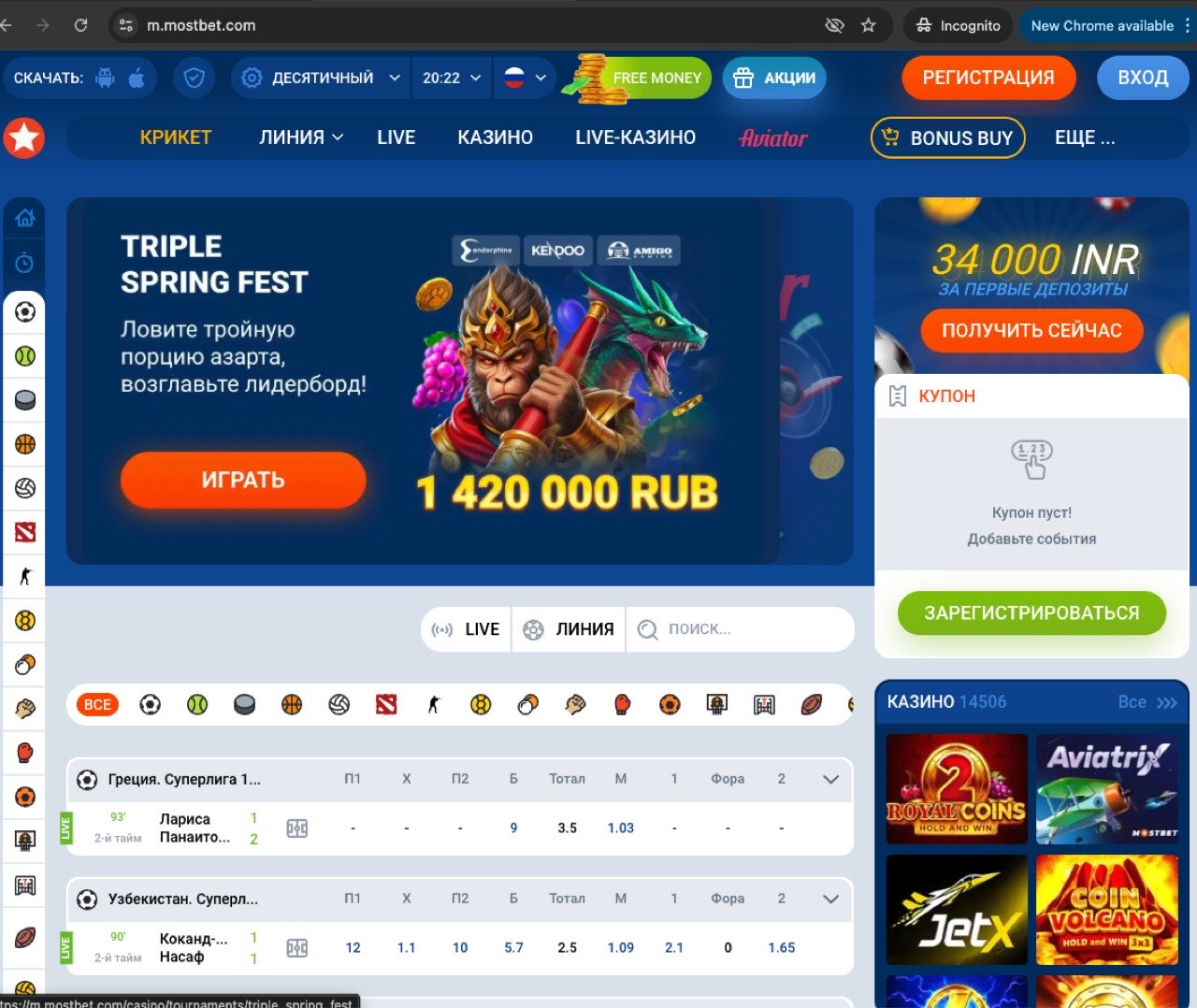
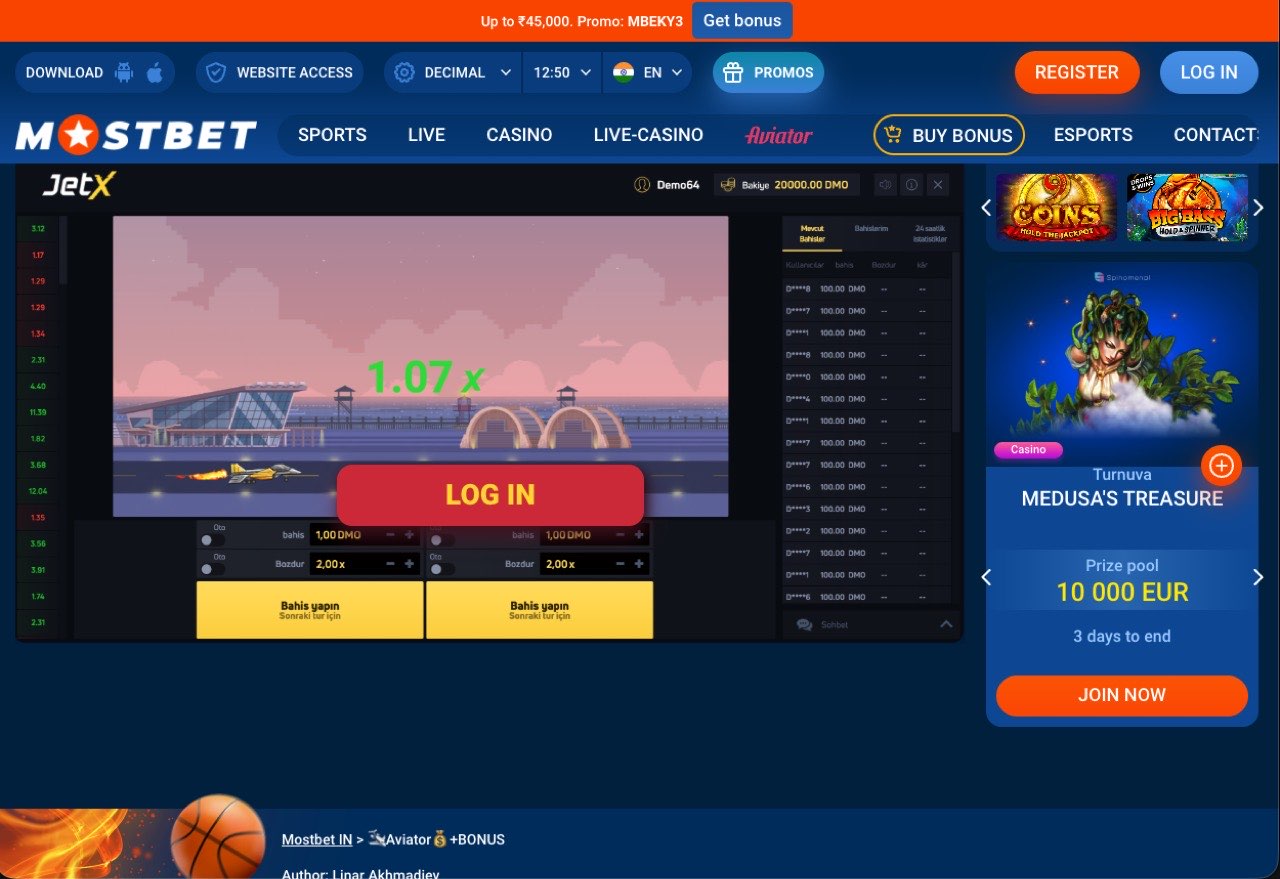
The mobile site supports every feature available on the desktop site and the native app: sports betting (pre-match and live), casino, live casino, deposits, withdrawals, account management, and live streaming. There is no feature that is exclusive to the native app except push notifications and biometric login.
Setting Up a PWA (Progressive Web App)
A PWA gives you an app icon on your home screen that opens Mostbet in a full-screen window without any browser UI. It is the middle ground between the mobile browser and a native app — no installation from an APK or App Store, but it looks and feels like an app.
Android (Chrome)
Open the Mostbet mobile site in Chrome.
Tap the three-dot menu (top right).
Tap "Add to Home screen" (or "Install app" if Chrome detects a PWA manifest).
Name it "Mostbet" and tap "Add."
iOS (Safari)
Open the Mostbet mobile site in Safari (must be Safari, not Chrome).
Tap the Share button (square with up arrow).
Scroll down and tap "Add to Home Screen."
Tap "Add."
The PWA takes up about 3-5MB of cache storage (versus 65MB for the Android APK or 55MB for the iOS native app). It always loads the latest version since it pulls from the web each time. The trade-off is slightly slower load times compared to the native app, and no push notifications on most platforms.
Performance: Browser vs App
I tested on a Samsung Galaxy S24 on the same Wi-Fi network, same account, cleared cache before each test. Three runs averaged.
| Metric | Native App | PWA | Chrome Browser |
|---|---|---|---|
| Initial load | 1.4s | 2.6s | 3.2s |
| Page navigation | 0.3s | 0.8s | 1.1s |
| Live odds update | Real-time | ~1s delay | ~2s delay |
| Battery per hour | 3% | 4.5% | 5% |
| RAM usage | 185MB | 220MB | 280MB |
| Data per hour | 11MB | 15MB | 18MB |
The native app wins across the board, but the margins are not as dramatic as you might expect. The PWA is a particularly good middle ground — faster than a regular browser tab and lower RAM usage. If you are on a phone with only 2-3GB of RAM, the difference between 185MB and 280MB actually matters.
Browser-Specific Tips
Chrome (Android)
Enable "Lite mode" (now called "Data Saver") in Chrome settings if you are on a slow connection. This compresses images and can speed up the mobile site by 20-30%. Chrome also offers "Request Desktop Site" in the menu — use this if you want to see more markets on screen at once, but the text will be smaller.
Safari (iOS)
If you experience login issues, go to Settings > Safari and disable "Prevent Cross-Site Tracking." This setting can interfere with session cookies on gambling sites. Also disable "Block All Cookies" — the site needs cookies to maintain your login session.
Samsung Internet
Samsung Internet has a built-in ad blocker and tracking protection that can interfere with some Mostbet features. If you notice elements not loading (especially in the casino section), try disabling the built-in blocker temporarily: Menu > Ad Blockers > disable.
Firefox
Firefox on Android supports "Add to Home Screen" PWA functionality. The process is: tap the three-dot menu > "Install." Firefox's Enhanced Tracking Protection may interfere with login cookies — if you experience session issues, add Mostbet to the exceptions list.
Advantages of Mobile Web
- Zero storage: No APK download, no app taking up 65MB on your phone.
- Always current: The mobile site is always the latest version. No update downloads needed.
- No installation trace: Close the tab and there is nothing on your phone. Useful on shared devices.
- Works everywhere: Any device with a modern browser works. No Android or iOS restrictions.
- Multiple accounts: You can open multiple browser tabs or use incognito for different accounts (if applicable).
Disadvantages of Mobile Web
- Slower performance: 1.5-2 seconds slower on initial loads compared to the native app.
- No push notifications: You will not receive alerts for match starts, bet results, or promotions.
- No biometric login: Password entry every time (unless your browser saves it).
- ISP blocking applies: If the Mostbet website is blocked in your country, the mobile browser cannot access it either. The native app bypasses this.
- Higher battery drain: Browsers are less efficient than native apps for sustained use.
Try the mobile web version now:
Open Mostbet MobileCompare options: app vs browser | Fix issues: app not working