
How to Update the Mostbet App: Auto-Update, Manual Update & Version History

This page contains affiliate links. We may earn a commission at no extra cost to you.
Keeping the Mostbet app updated matters because newer builds usually include compatibility fixes, stability improvements, and minor interface changes. Skipping updates can leave you dealing with bugs that have already been resolved.
Here is how to make sure you are always on the latest available version.
Auto-Update (Android)
The Mostbet Android app has a built-in auto-update mechanism. When you open the app and a new version is available, a banner appears at the top of the screen: "A new version is available. Tap to update."
Tap the banner. The app downloads the update in the background (typically 15-30MB, not the full APK). Once downloaded, it installs automatically and restarts. Your login, settings, and data are preserved.
The auto-update check usually happens when the app opens and reaches the update service normally. If you only use the app occasionally, it is worth checking the update flow manually before assuming you are current.
Manual Update (Android)
If the in-app update fails or you want to force an update, you can manually download and install the latest APK.
Download the latest APK from the button below. This is the same source as your original download.
Tap the downloaded file. Android will detect that Mostbet is already installed and offer to update it.
Tap "Install." The update installs over your existing version. Your data, login, and settings are preserved.
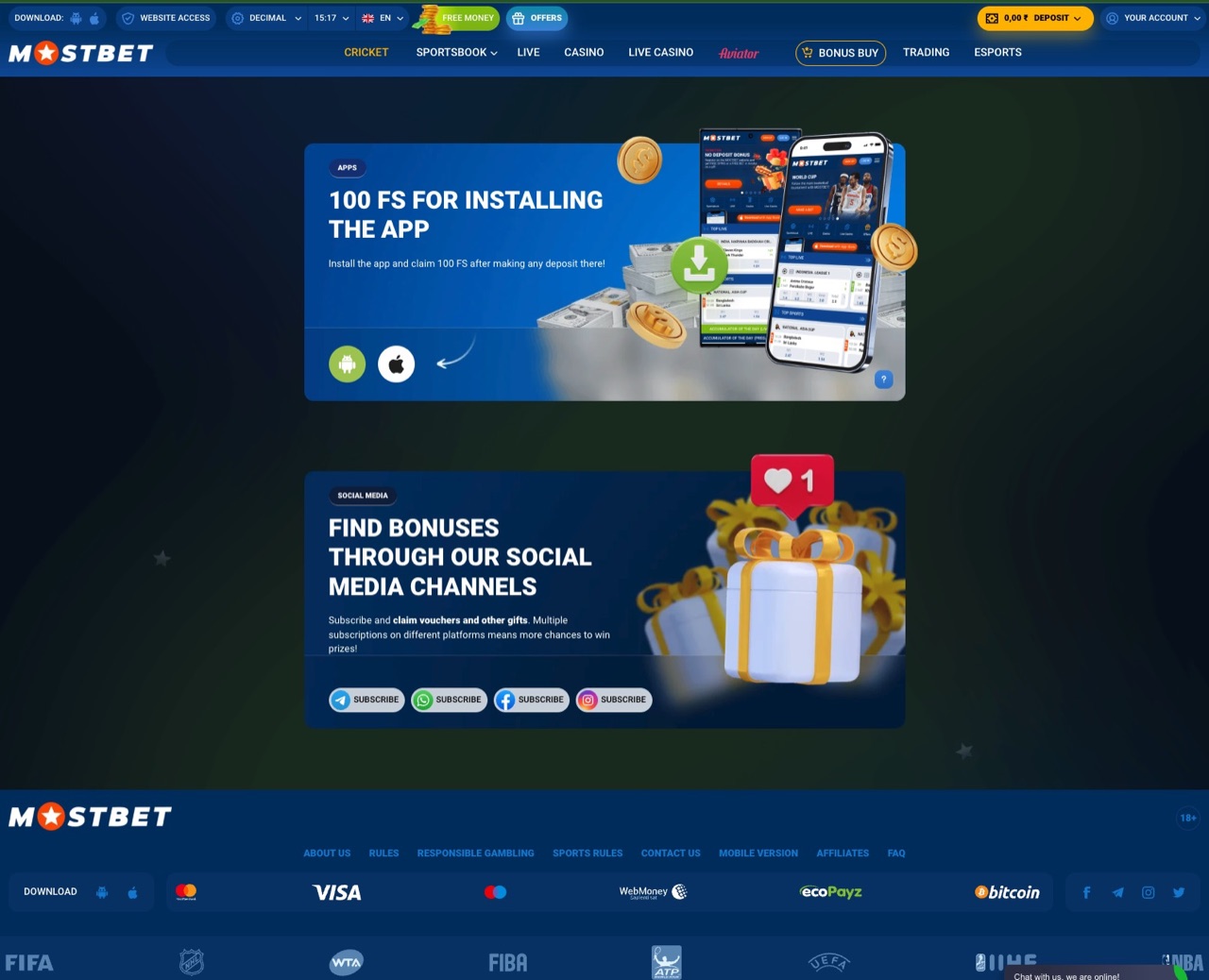
You do not need to uninstall the old version first. Installing a new APK over an existing one is an "overlay install" — it replaces the app code while keeping your data intact. Only uninstall if you are troubleshooting a specific problem.
Updating on iOS
Native App (App Store)
If you have the native Mostbet app from the App Store, updates come through the App Store like any other app. Go to App Store > your profile icon > check for pending updates. Or enable automatic updates: Settings > App Store > App Updates > on.
PWA (Progressive Web App)
The PWA does not need manual updates. Since it loads from the web each time you open it, you always get the latest version automatically. The only action you might need to take is clearing Safari's cache if the PWA behaves strangely after a major update: Settings > Safari > Clear History and Website Data, then re-open the PWA.
Recent Update Pattern
| What to Look For | Why It Matters |
|---|---|
| Build number changed | Confirms you actually installed a newer package |
| Login and launch behavior improved | Common sign that a bug-fix update worked |
| Streaming or betting pages feel smoother | Useful practical check after a compatibility update |
| No forced-update banner remains | Good sign that the app accepted the new build cleanly |
How to Check Your Current Version
Open the Mostbet app > tap your profile icon (top right) > scroll to the bottom of the settings or profile page. The version number is usually displayed there together with the build details.
Alternatively, check via Android settings: Settings > Apps > Mostbet > scroll down to "Version."
Why You Should Always Update
- Security patches: Each update includes fixes for potential vulnerabilities. Running an outdated version exposes you to known security issues.
- Bug fixes: Updates often resolve login, startup, and compatibility issues.
- Performance: Incremental build improvements can noticeably smooth out startup and navigation.
- New features: Interface and feature additions usually arrive through updates rather than fresh installs.
- Compatibility: Newer Android and iOS versions sometimes break older app versions. Updates ensure compatibility.
Troubleshooting Update Issues
If updates fail, see the detailed solutions on our troubleshooting page. The most common fix is simply downloading the latest APK manually and installing it over your existing version.